Answer from phone while Codex waits on your Mac.
Codex companion on trusted LAN
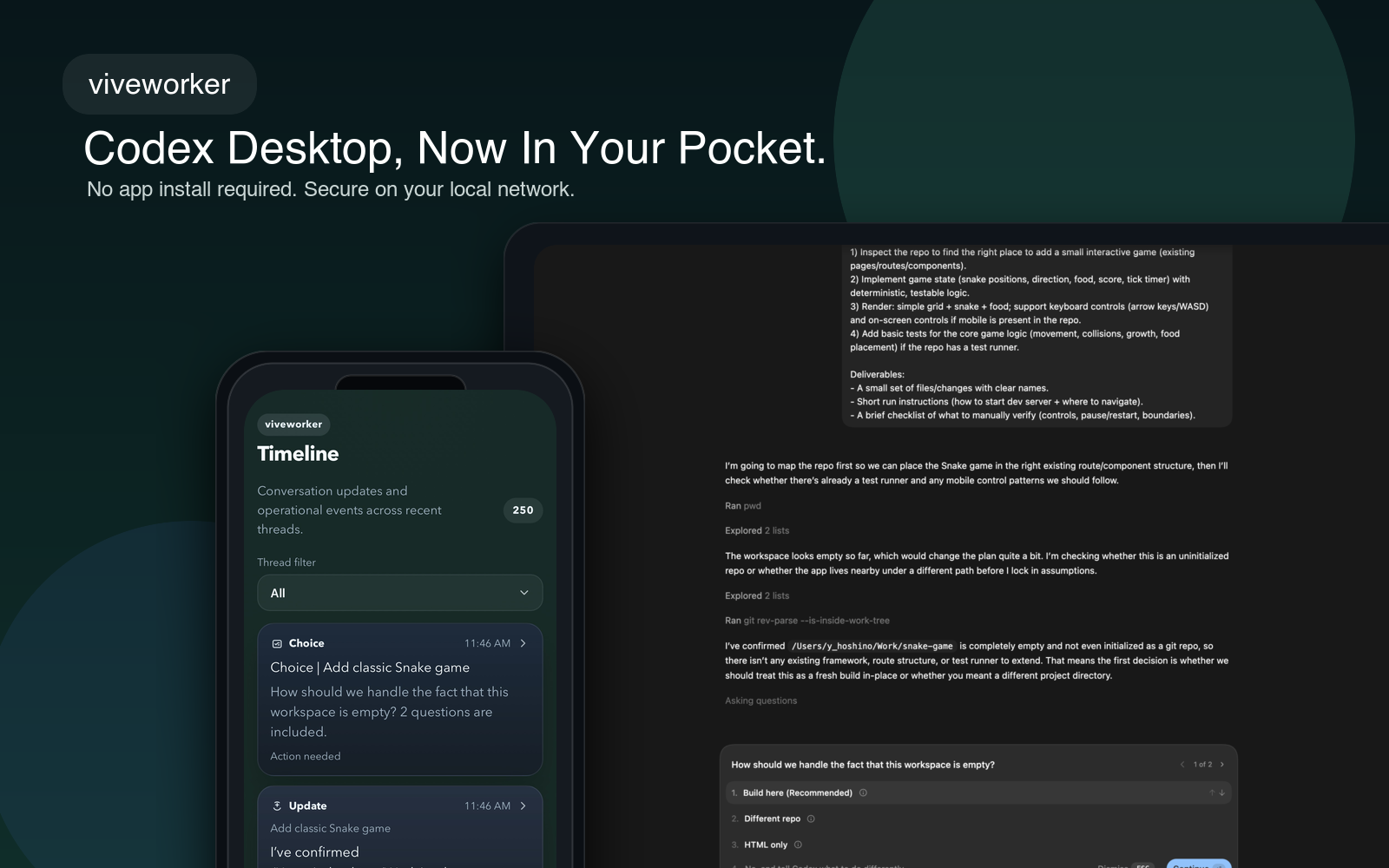
Codex Desktop, now in your pocket.
viveworker keeps approvals, plan checks, multiple-choice prompts, and completions within reach on your iPhone so the thread does not stall when you step away from the desk.
Think local HTTPS, Home Screen install, Web Push, and a workflow that feels more like a coding rig than a generic SaaS dashboard.
Why viveworker
The real problem is not compute. It is stalled human input.
When Codex only needs a yes, no, choice, or quick reply, walking back to the desk is pure latency. viveworker turns those interruptions into a small, fast mobile control loop.
Approvals
Keep Codex unblocked from anywhere in your home office.
Approve or reject actions the moment Codex asks, without walking back to your keyboard just to click one button.
Plan Checks
Handle implement-or-not decisions while the thread is still hot.
When Codex asks whether to implement a plan, you can answer from your phone and keep momentum instead of context switching.
Questions
Clear multiple-choice prompts in seconds.
viveworker surfaces the decisions that matter: option picks, follow-up replies, and quick confirmations while work keeps moving on the Mac.
Completions
Review what finished and send the next instruction immediately.
Use the Home Screen app as a lightweight control surface for long-running coding, research, and iteration loops.
How it works
A small local bridge between your Mac session and your pocket.
viveworker is designed around a trusted LAN workflow: Codex keeps running on the Mac, the local bridge stays on your network, and the iPhone surfaces only the moments that need your attention.
Mac running Codex
Your desktop session keeps building, thinking, and waiting for the moments when human judgment is actually needed.
viveworker on trusted LAN
A local bridge keeps the session within reach over HTTPS on your home or office network, with pairing and trusted-device controls.
iPhone Home Screen app
Add it once, enable Web Push, and handle approvals, plan checks, questions, and completions from the same device already in your pocket.
Use cases
Built for people who want Codex to keep moving even when they do not sit still.
The sweet spot is engineer-heavy work: long-running edits, plan confirmations, build checks, and those tiny but important human decisions that otherwise break flow.
Away-from-desk approvals
Keep a coding thread moving while you are making coffee, in another room, or checking a build from the couch.
Mac mini coding appliance
Turn a small always-on Mac into a local Codex station, with your iPhone acting as the approval panel and notification surface.
Long-running task monitor
Let the heavy work stay on the Mac while your phone only pulls you in for decisions, completions, and next-step nudges.
Send the next instruction from phone
Read a completion, decide what should happen next, and push the thread forward before you ever return to your desk.
Quick start
Install it once, then let the Home Screen app carry the interruptions.
Start with the full setup path so local HTTPS, pairing, and Web Push are all ready from the beginning.
Install on your Mac
npx viveworker setup --install-mkcertIf mkcert is already installed and trusted, plain npx viveworker setup also works.
Run on your Mac
Start with the full setup path so local HTTPS, pairing, and notifications are ready from the beginning.
Pair on iPhone
Open the printed pairing URL in Safari and trust the local certificate flow when prompted.
Add to Home Screen
Open the installed app, enable notifications, and use that Home Screen icon as your daily control surface.
Security
Local-first on purpose.
viveworker is meant for a trusted home or office network. It is not an Internet-facing relay, and the product is stronger when that constraint stays visible.
Trusted LAN only
Keep viveworker on the same Wi-Fi or LAN as your Mac and iPhone.
Not for Internet exposure
Do not put it directly on the public Internet. The intended model is local access plus trusted-device pairing.
Revoke paired devices
If a device is lost or replaced, remove it from viveworker and issue a fresh pairing flow only when needed.
FAQ
Short answers for the practical questions.
The fastest way to understand viveworker is to see how small the daily workflow is once setup is done.
Does viveworker require an App Store app?
No. It is a local web app built for the iPhone Home Screen experience, so you install it from Safari instead of the App Store.
Why is iPhone the primary experience right now?
The current product is optimized around Mac plus iPhone on the same trusted LAN, where Home Screen install and Web Push create the cleanest flow.
Can I use it outside my LAN?
No. viveworker is designed for local use only and should not be exposed directly to the public Internet.
What if the pairing code expires?
Generate a fresh one with `npx viveworker setup --pair`, then open the new pairing URL on the device you want to trust.